





Meta Quest USA - USD
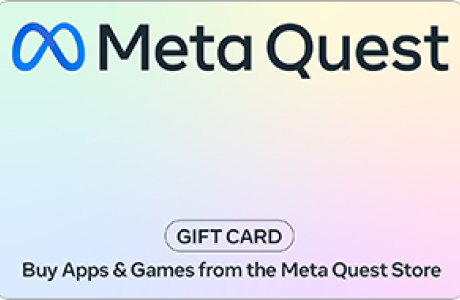
Gift Cards
Listing Price
16 USD
Quantity1,000 available


Estimated Delivery 
undefined $USD



Product Description
Product Info
Product Info
Gift Cards
Entertainment
Ships to
Digital
Additional Info
Install the Meta Quest app on your iPhone or Android phone. Sign in with your Meta account, or create one if you don’t have one.

To redeem a gift card:

Open the Meta Quest mobile app.
Tap Menu in the bottom right corner.
Scroll down and tap Wallet, then tap Add a gift card. You can also tap  to open Add to Wallet, then tap Gift Card.
Enter your gift card code under Gift card code.
Tap Redeem.
Your Wallet now contains your gift card balance. You can use the balance to purchase apps and experiences on the Meta Quest Store.

If your gift card is for a specific game, the game is now in your library.

If you’re having trouble sending or redeeming your gift card, make sure your software is up to date. You can also try restarting the Meta Quest mobile app.
Escrow option available
Other Products in Gift Cards

Delta Air Lines USA - USD
51 - 1010
51 - 1010 USD
or pay with
Sam's Club USA - USD
6 - 505
6 - 505 USD
or pay with

Whole Foods Market USA - USD
Sold Out
6 - 505
6 - 505 USD
or pay with
PayPal Instant Payout (USD) - USD
Sold Out
2 - 10709
2 - 10709 USD
or pay with
Whole Foods Market USA - USD
Sold Out
6 - 505
6 - 505 USD
or pay with

BURGER KING® - USD
6 - 1010
6 - 1010 USD
or pay with
Starbucks USA - USD
6 - 505
6 - 505 USD
or pay with

Chipotle USA - USD
6 - 253
6 - 253 USD
or pay with

Ikea Italy - EUR
Sold Out
12 - 166
12 - 166 USD
or pay with

Lazada Singapore - SGD
Sold Out
2 - 780
2 - 780 USD
or pay with